



Reading Ruler: Never Lose Your Place Again

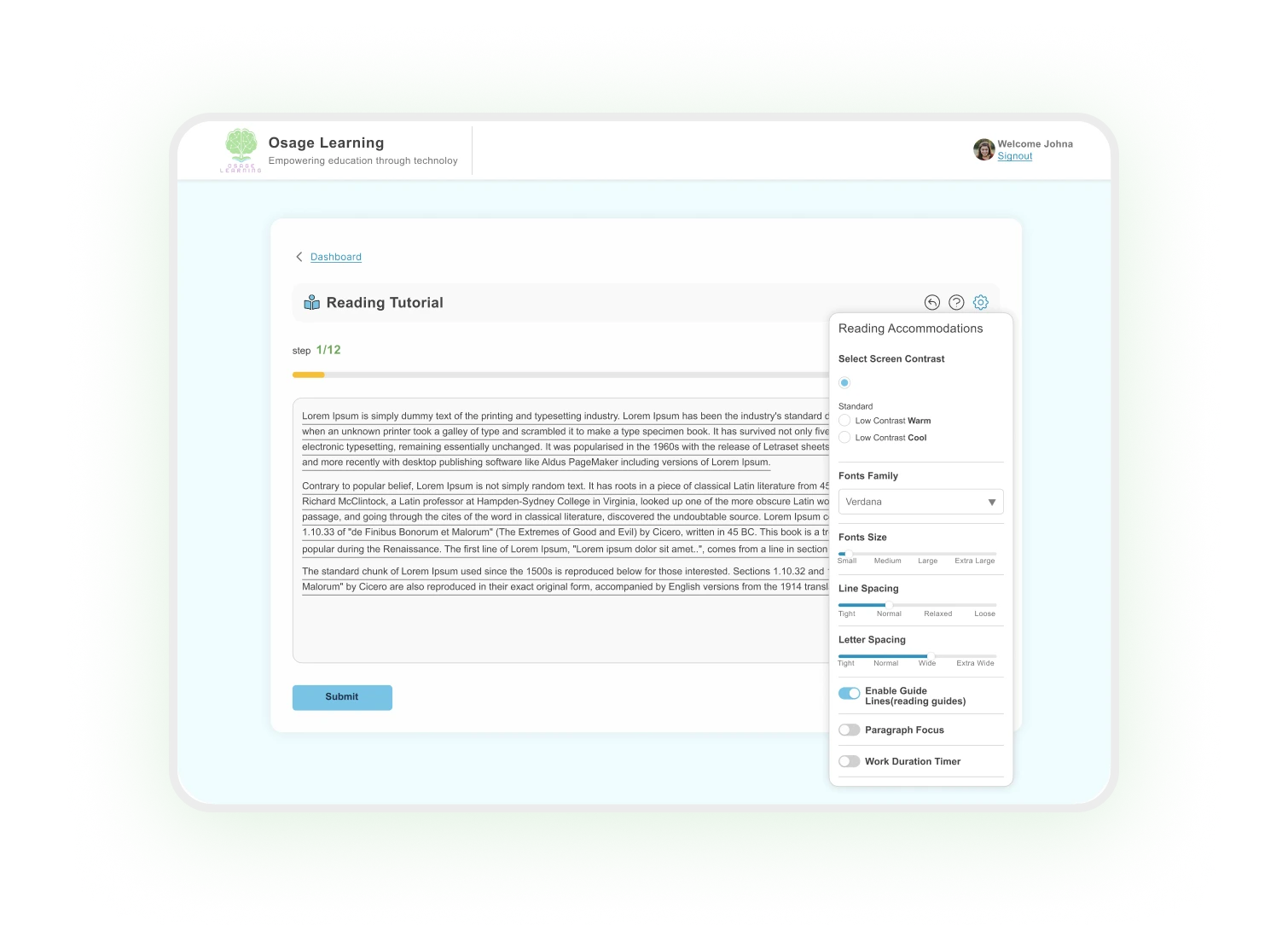
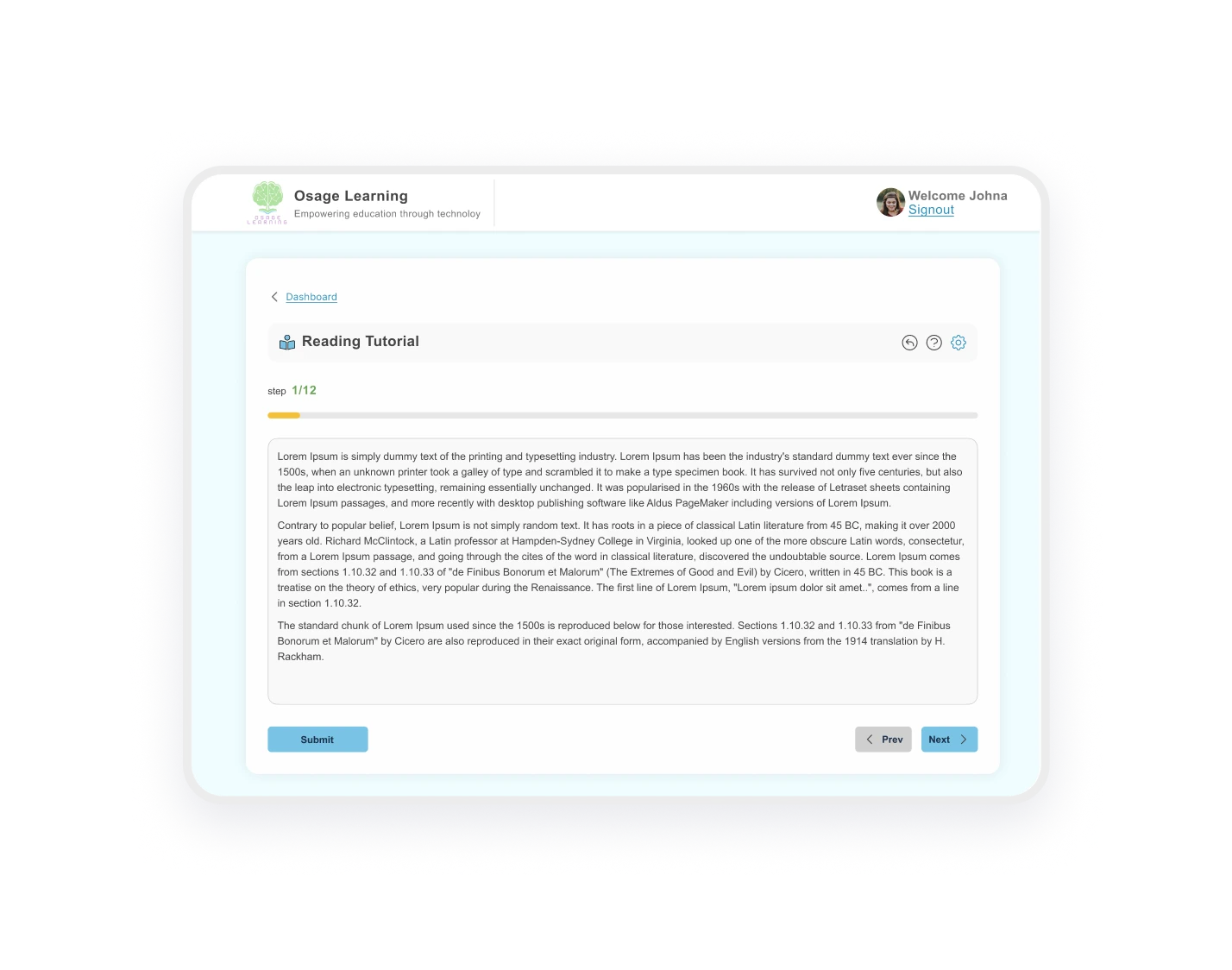
Turn on the reading ruler tool and watch subtle lines appear beneath every row of text, keeping letters stable so your child focuses on meaning, not placement.

THE TRANSFORMATION

Why Visual Anchors Help Students with Dyslexia Read Better

For students with dyslexia, reading isn’t just about decoding words. It’s about fighting constant visual distortion. Our digital reading ruler for students with dyslexia addresses how letters with descenders like g, y, and p appear to drop below their neighbors, while lines blur together. This eye tracking problem steals focus from understanding and forces it onto the exhausting work of keeping text stable.The result? Your child re-reads the same line without realizing it, skips lines accidentally, and feels too mentally exhausted to remember what they just read. 

BUILT FOR EVERY LEARNING STYLE

Simple Technology That Adapts to Your Child’s Needs

Adds a subtle line under

Every Row Of Text

Sits below descenders (g, y, p)

Without Interfering

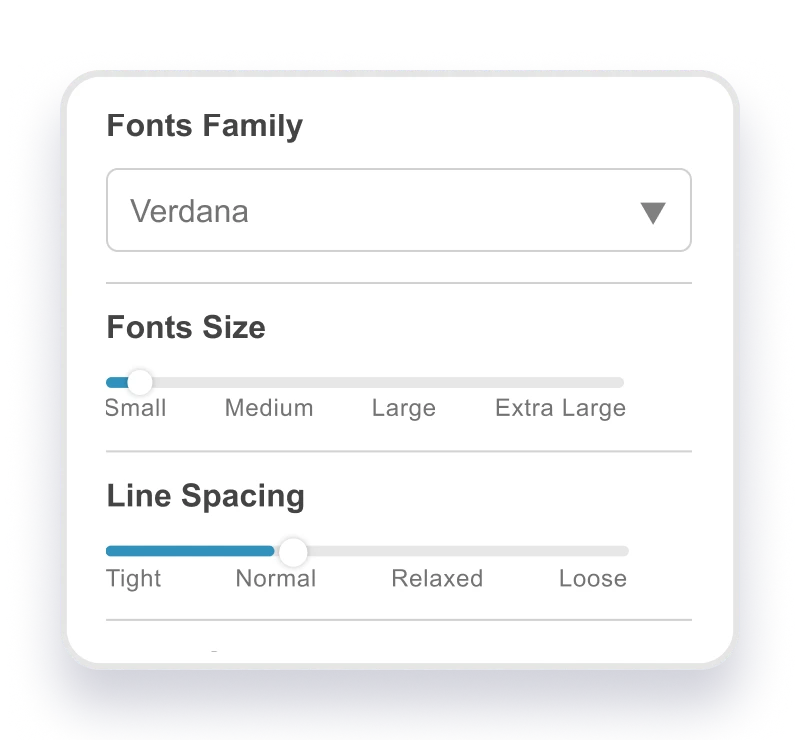
Matches text color based on

Contrast settings

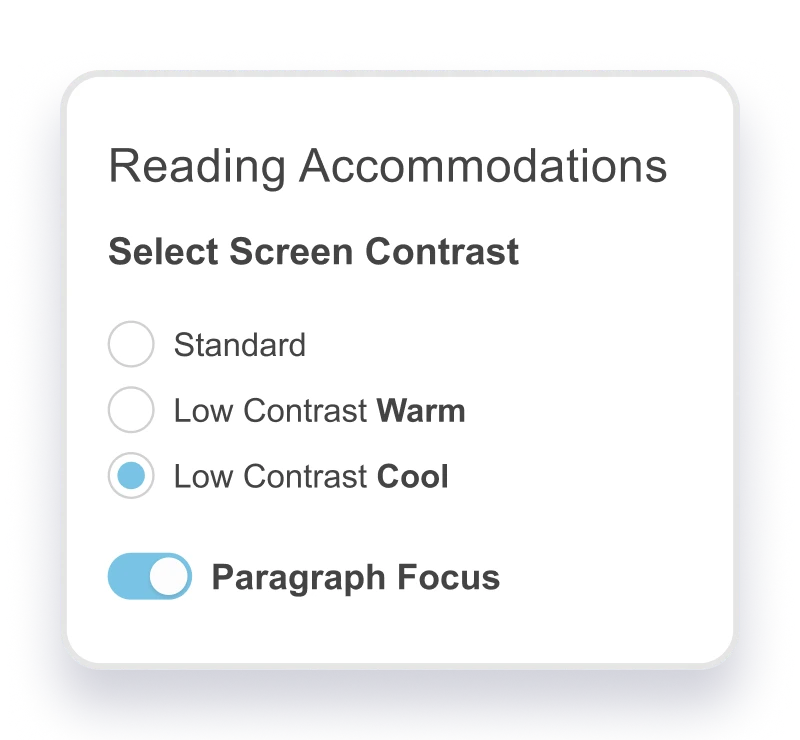
Dims in out-of-focus

Paragraphs (Focus Mode)

One-click activation

No configuration needed

REDUCE VISUAL OVERLOAD

Why Reading Ruler Helps

Stops Visual
Distortion

Letters stay anchored, not floating or dropping

Reduces
Re-Reading

Read each line once, not three times

Improves Comprehension

Focus on meaning instead of placement

Decreases Eye
Strain

Less visual adjustment means less fatigue

WHO IT’S FOR

Ideal For:

MAKING TEXT EASIER TO PROCESS

Why Stable Baselines Help the Brain Read

For students with dyslexia, visual processing challenges can make letters with descenders (g, y, p) appear to drop below their baseline, creating the illusion that text is floating on the page. When this line focus reading tool anchors letters to a consistent baseline, the brain can focus on comprehension instead of constantly recalibrating letter position. This visual stability reduces cognitive load, allowing working memory to process meaning rather than fighting visual distortion, making reading feel manageable instead of exhausting.

TESTIMONIALS

How Reading Ruler Helps Students

Stop Fighting Visual Distortion While Reading

Try Reading Ruler free for 14 days.

FAQS

Frequantly Asked Questions

Does the reading ruler software work with all text in Osage Learning?
Yes! Turn it on once, and it automatically adds lines under every row of text across all reading content in the platform.

The Reading Ruler works automatically, it matches your child’s text color and adapts to their contrast settings without any configuration needed.

Unlike screen masking software that hides surrounding text, our line focus reading tool adds lines under all text simultaneously to anchor letters without blocking content.