
Focus Mode: Keep Your Eyes Where They Need to Be
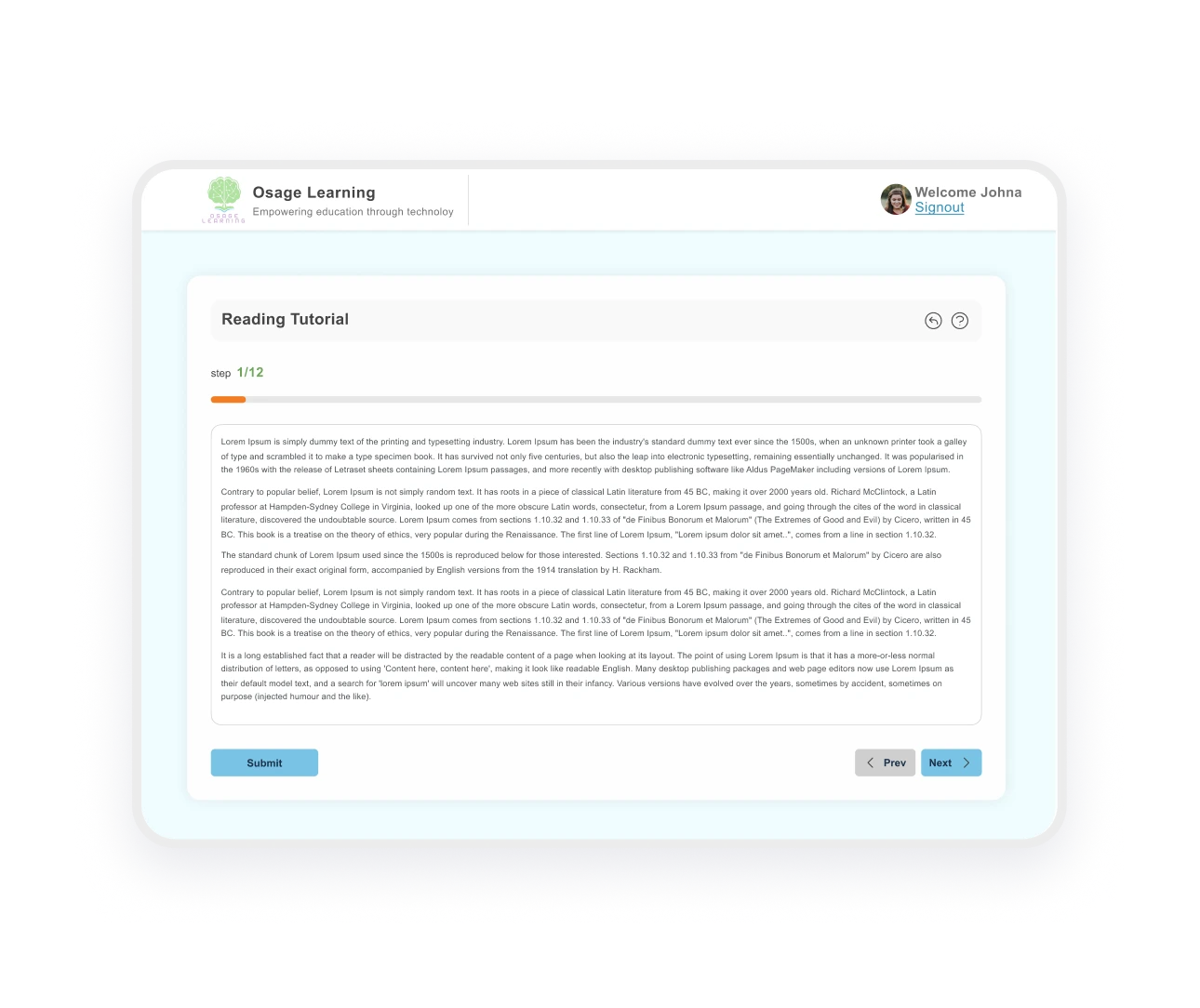
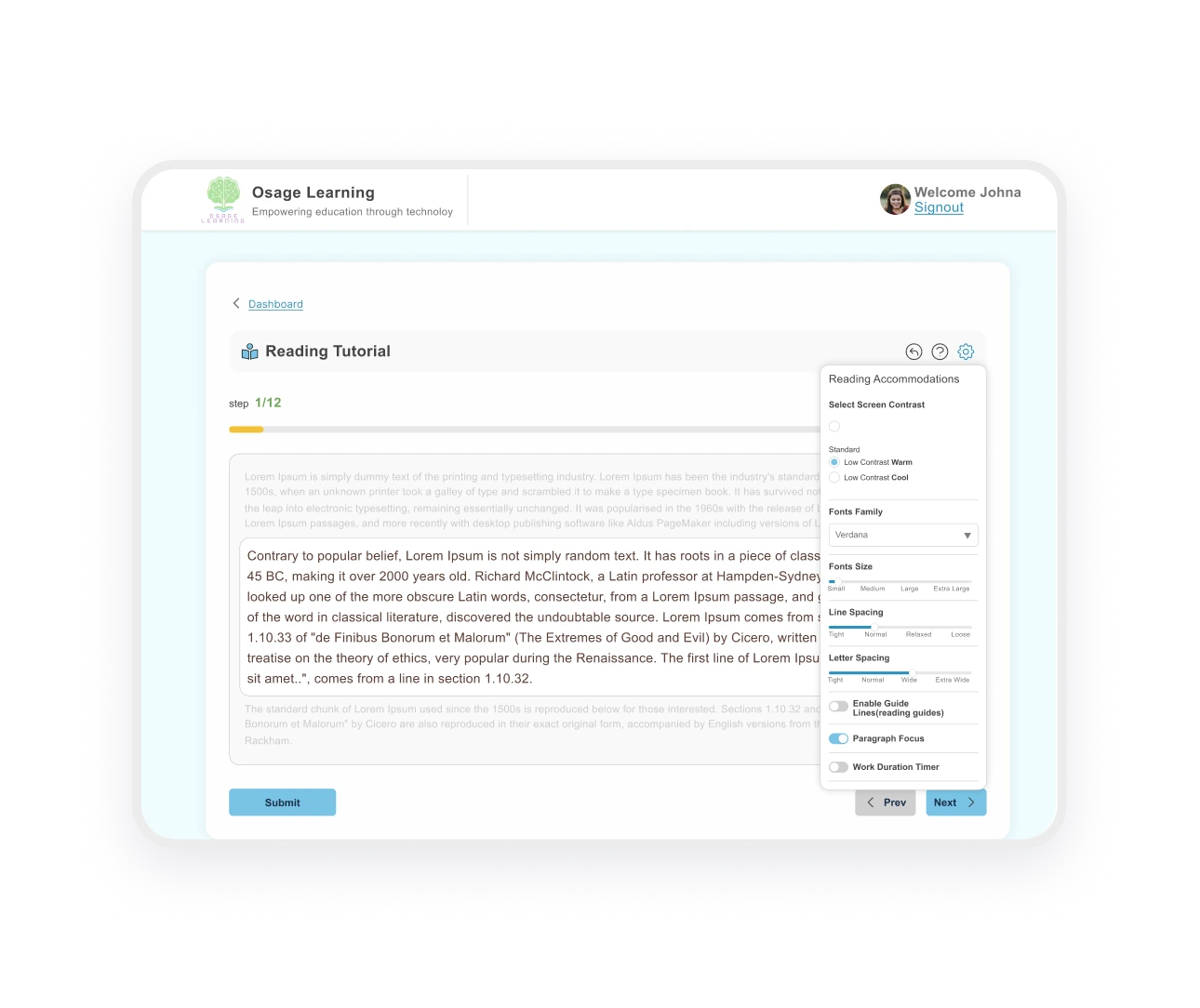
This reading focus mode highlights your current paragraph while fading distractions, so you stay on the text that matters.
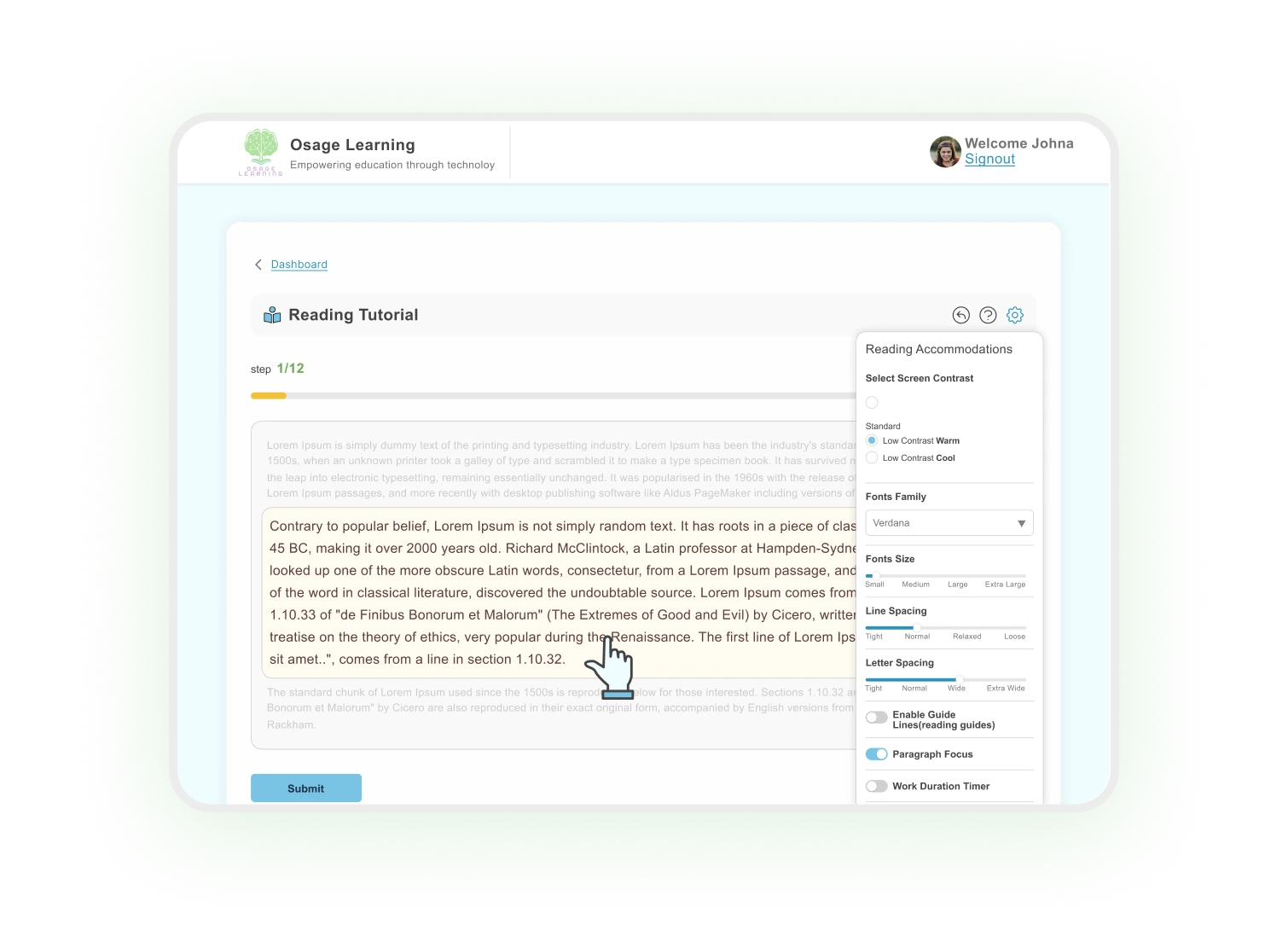
THE TRANSFORMATION
Why Students with ADHD Need Distraction-Free Reading Mode
Reading any long document, whether it’s a textbook chapter, homework assignment, or article, can feel overwhelming when everything demands attention at once. Students with ADHD or attention problems often find their eyes jumping ahead five paragraphs without realizing it, then struggle to figure out where they left off. Or they stare at a full page of text and can’t even start because it feels like too much.
Focus mode reading software breaks this cycle by guiding attention paragraph by paragraph, making even long assignments feel manageable.

DESIGNED FOR BETTER CONCENTRATION
The Benefits of Focus Mode
Improved Concentration
emove toolbars, sidebars, and buttons from view
Reduces Eye
Jumping
Stop skipping ahead or losing your spot
Reduce
Overwhelm
Less time searching for the next line means more time learning
Compatible
Features
Works with other ADHD reading tools for complete support
When Focus Mode Makes the Difference:
- Long reading assignments that feel overwhelming
- Test prep and studying when you need to concentrate
- Homework sessions with tight deadlines
- Students who need focus tools for ADHD to stay on track
- Anyone who gets distracted by busy screens or cluttered pages
TESTIMONIALS
What Users Say About Focus Mode
The color overlay feature changed everything. My daughter can read for 30 minutes without complaining about her eyes hurting.

Parent
The color overlay feature changed everything. My daughter can read for 30 minutes without complaining about her eyes hurting.

Parent
The color overlay feature changed everything. My daughter can read for 30 minutes without complaining about her eyes hurting.

Parent
Works Great With:
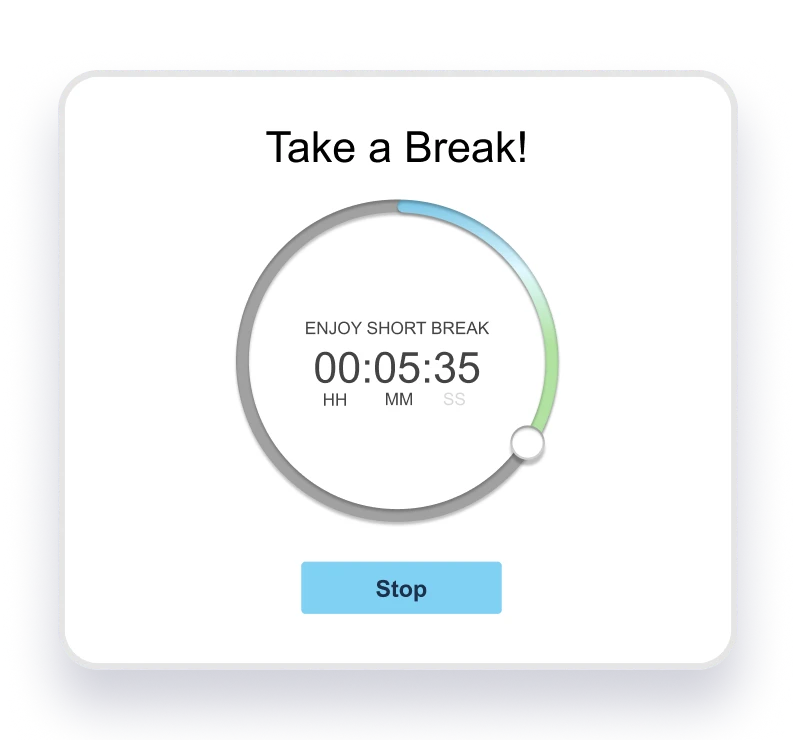
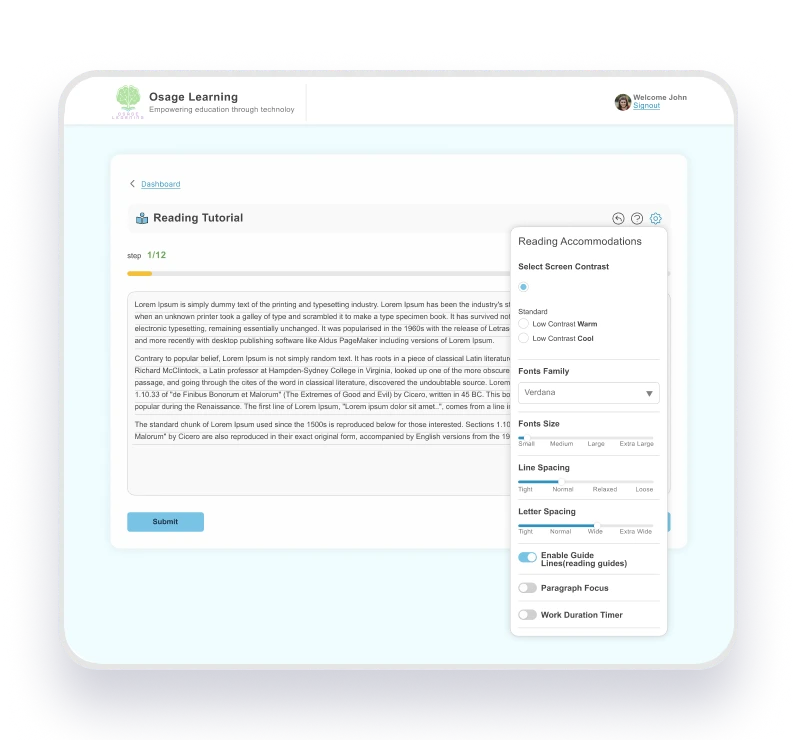
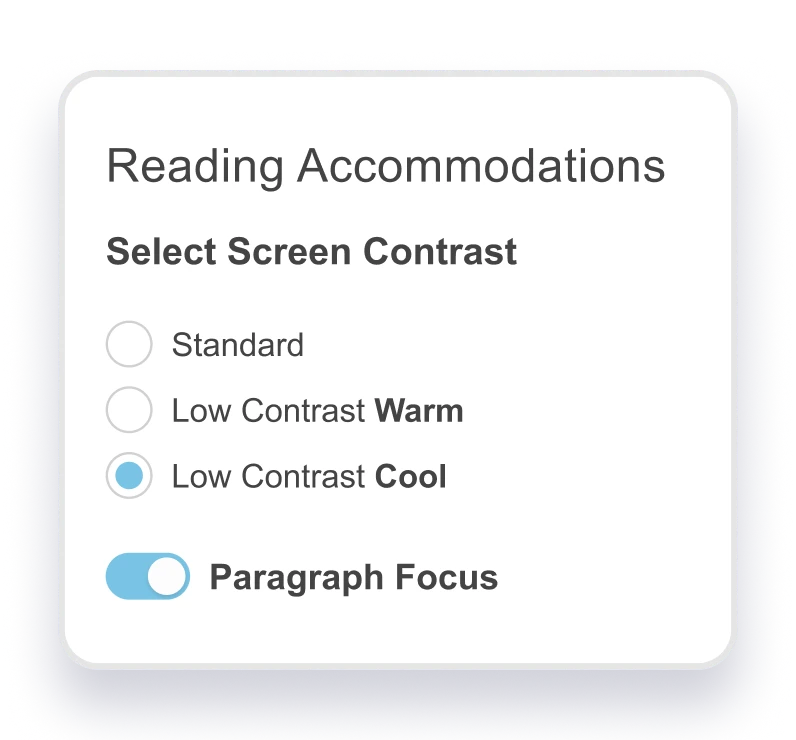
Reduce eye strain by customizing background and text colors for visual comfort.
Ready to Help Your Student Focus Better?
Try Focus Mode free for 14 days.FAQS
Frequantly Asked Questions
Can I adjust the highlight color?
Does Focus Mode work on all devices?
Yes! Focus Mode works on laptops, desktops, and tablets through your web browser, anywhere you access Osage Learning.
How is Focus Mode different from screen dimming?
Screen dimming reduces overall brightness. Focus Mode actively highlights your current paragraph while fading everything else on the page, guiding your eyes to exactly where you should be reading.
Can students turn Focus Mode on and off easily?
Absolutely. Students control Focus Mode by going into the reading pane settings, turning it on when they need extra concentration and off when they don’t.
How does Focus Mode help ADHD students focus on reading?
Focus Mode is one of the best focus tools for students with attention problems because it removes visual distractions and highlights one paragraph at a time, reducing overwhelm and making it easier to stay on track through long assignments.