
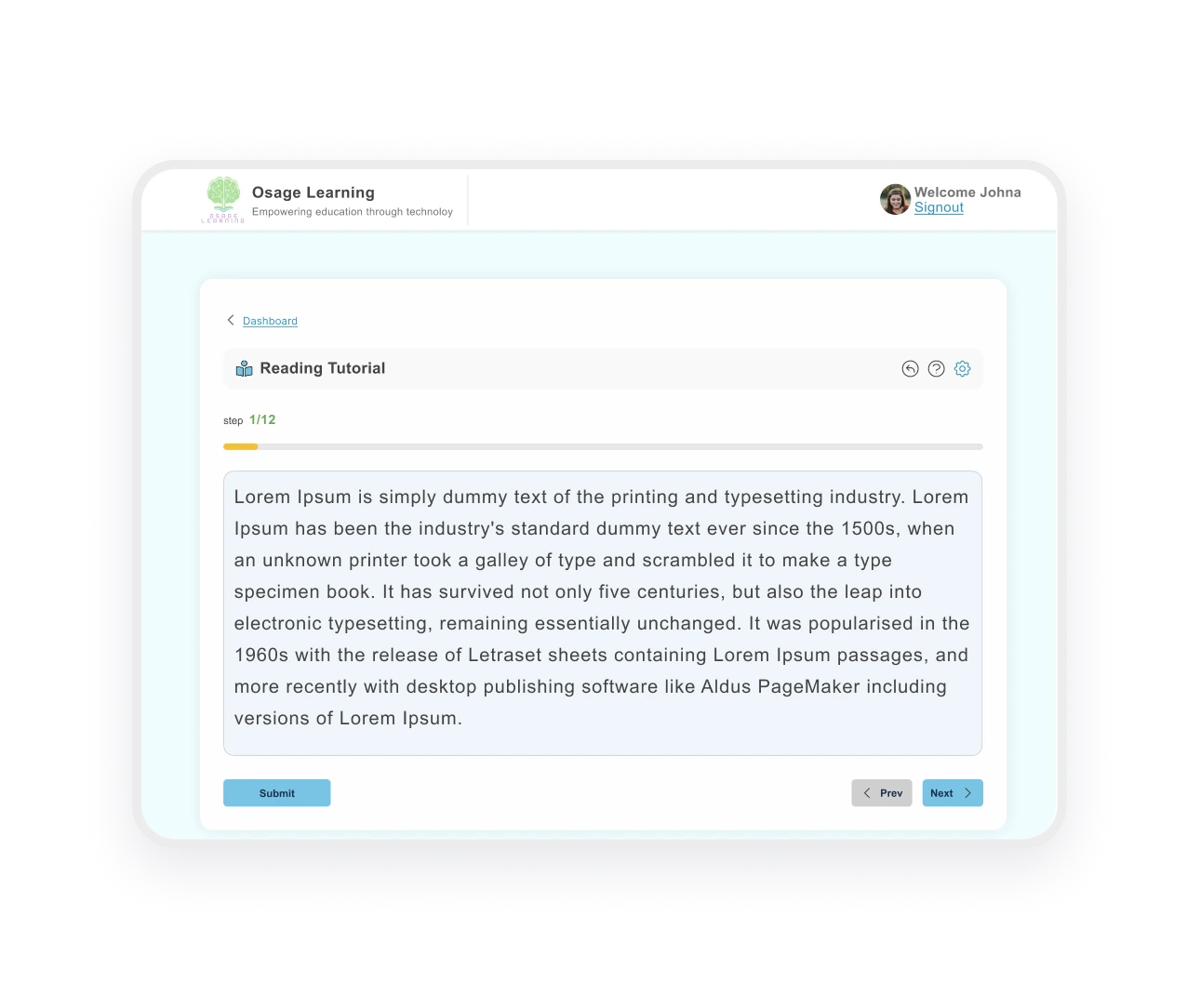



Customize Fonts, Spacing, and Size Instantly

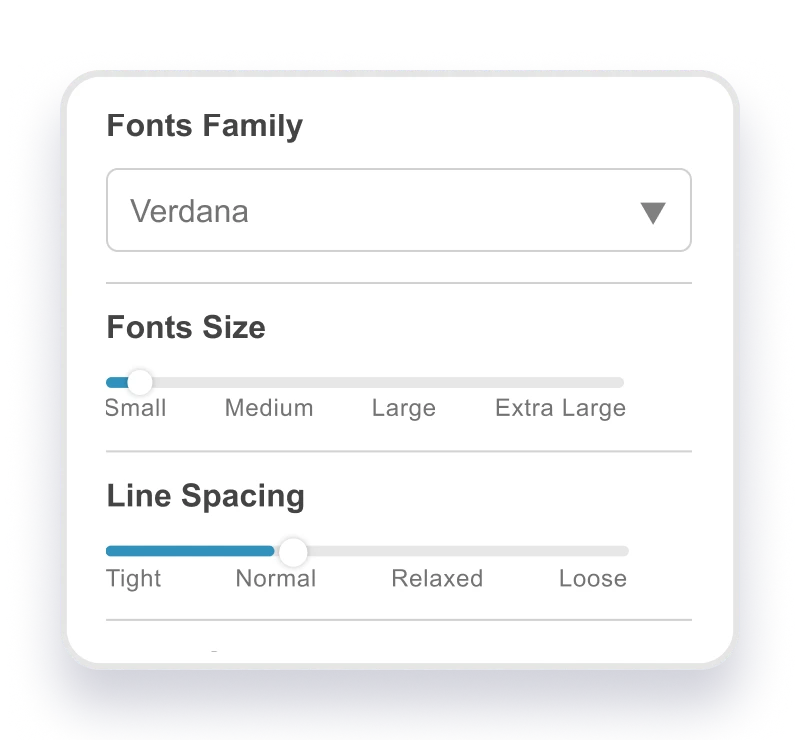
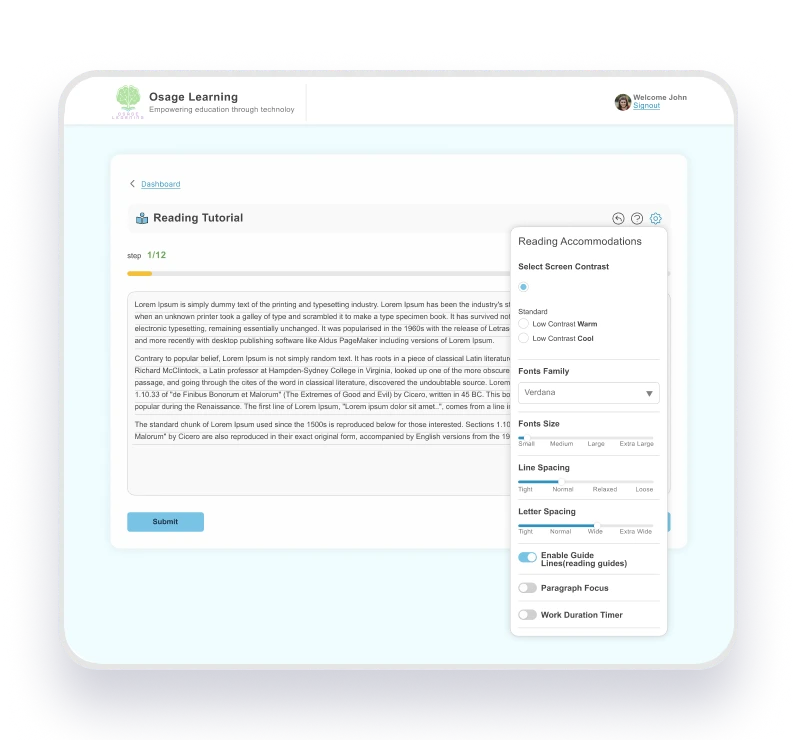
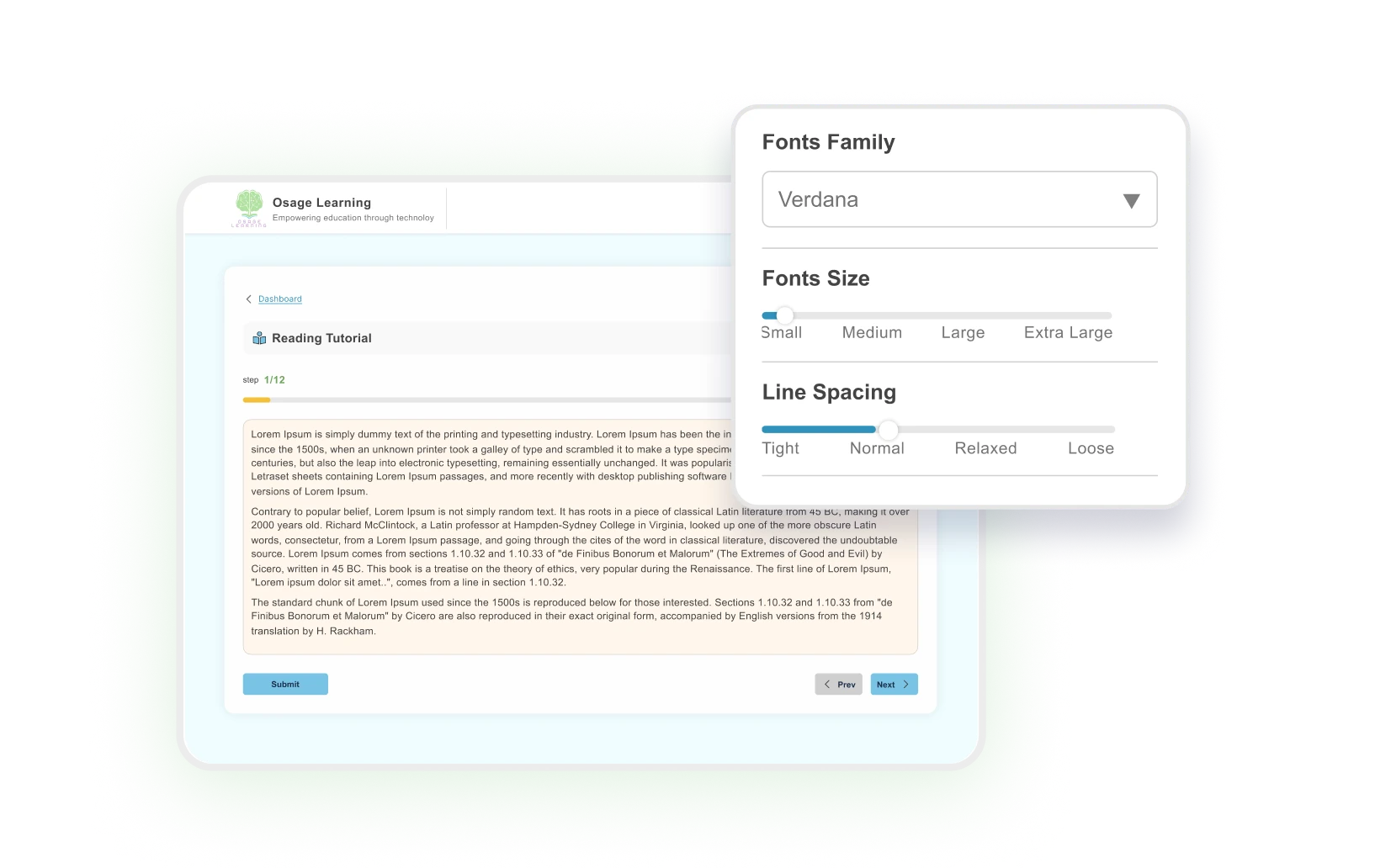
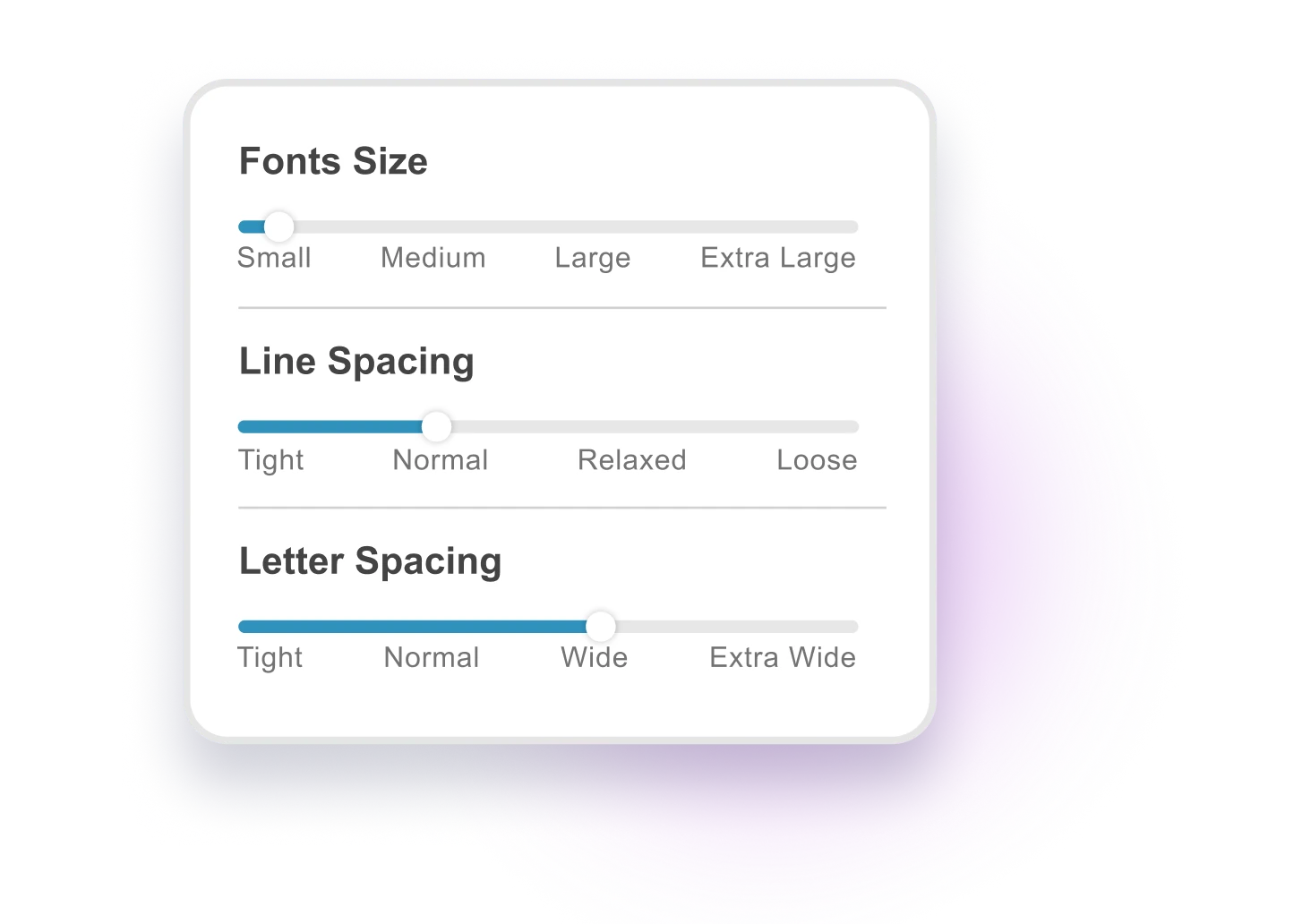
Choose from dyslexia-friendly fonts and adjust letter spacing, line spacing, and text size in real time, see changes instantly as you move the sliders.

SUPPORTING EVERY READER

Why Dyslexia-Friendly Fonts Make a Difference

Standard fonts and tight spacing make reading harder for students with dyslexia. When letters blur together or lines feel cramped, even short passages become exhausting. The best fonts for students with dyslexia to read easier, combined with adjustable spacing, reduce visual stress and let your brain focus on meaning instead of decoding individual letters. Customizable fonts for reading give students control over how text appears, turning frustrating assignments into manageable ones.

Reading Comfort Settings

Choose From Dyslexia-Friendly Fonts

Personalized Reading Settings

Fine-Tune Your Reading Experience

READING SHOULD FEEL EASIER

Why Font Customization Helps

Reduces Visual
Stress

Pick dyslexic font alternatives that feel easier on your eyes

Improves
Reading Speed

Adjustable spacing helps you read faster with less effort

Full Control

Customize fonts, letter spacing, line spacing, and text size

Instant
Switching

See changes in real time as you move sliders

WHO IT’S FOR

When Font Customization Makes the Difference:

BUILT ON SCIENCE

Backed by Research on Dyslexia and Reading

Research on dyslexia fonts shows that increased letter spacing and specific font characteristics can improve reading speed and accuracy for dyslexic readers. Studies indicate that customizable text formatting reduces visual crowding and cognitive load. This growing body of research supports what many students experience: when you control how text looks, reading becomes less exhausting.

TESTIMONIALS

How Font Customization Makes a Difference

Turn Eye Strain Into Comfortable Reading

14-day free trial. Try all fonts.

FAQS

Frequantly Asked Questions

How do I customize font size and spacing for dyslexic readers?
Use the three sliders in your reading settings to adjust font size (Small to Extra Large), letter spacing (Tight to Extra Wide), and line spacing (Tight to Loose). Changes appear instantly as you move each slider, so you can see what works best right away.

Currently, you can choose from Verdana, Arial, and Calibri, all dyslexia-friendly fonts that reduce visual stress. We’re open to adding more font options based on student feedback.

Yes. Once you set your font and spacing preferences, they follow you across all assignments. You can always adjust them anytime if you need different settings for a particular document.