
Assistive Technology Students Control for Reading Success
Learn how tools for students with dyslexia, ADHD, and other learning differences provide reading accommodations that students can customize and control, at home or in any learning environment.
FOR DIVERSE LEARNERS
The Implementation Gap in Learning Accommodations
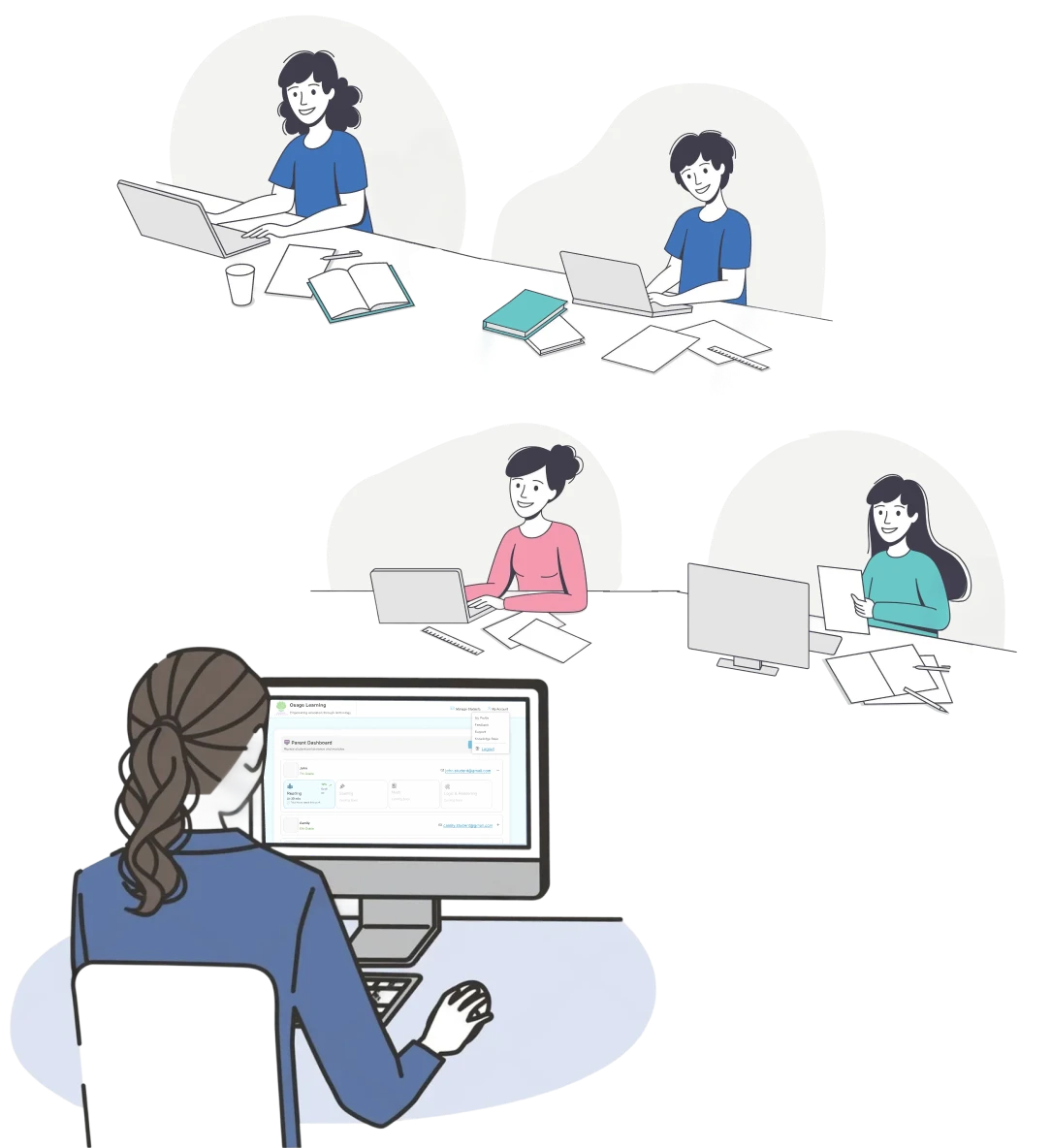
Osage Learning simplifies assistive technology, so you can focus on what you do best – teaching.
Students with learning differences often receive accommodation plans that list exactly what they need to succeed, extended time, reduced visual distractions, alternative text formats, and reading tracking supports. The challenge isn’t knowing what helps; it’s having consistent access to those accommodations across all learning environments and materials.
Traditional accommodation implementation requires someone to manually apply support to each assignment, remember to activate tools for each reading task, and ensure consistency across different subjects and settings. This creates gaps where students who need accommodation don’t always have access to them, particularly during independent work at home or in less structured learning environments.
Osage Learning provides assistive technology for students with learning disabilities that embeds accommodations directly into the reading experience. Students activate the tools they need once, and those settings persist across all materials, giving them consistent access to supports whether they’re reading for school, homeschool curriculum, or personal learning.
Designed with Teachers in Mind
Easy
Implementation
Simple login and upload assignments in minutes
Common IEP Accommodations
Features align with typical reading accommodations for IEP students
Student-Led Accommodations
Students choose tools that work best for their learning needs
Works With Your Curriculum
Students use their actual assignments and homework
SIMPLE TO IMPLEMENT. EASY TO SCALE
Seamless Accommodation Implementation
Osage Learning’s features commonly align with reading accommodations found in IEP and 504 plans. Students control which tools they use, and parents or students can share accommodation information with educators to demonstrate how support is being accessed.
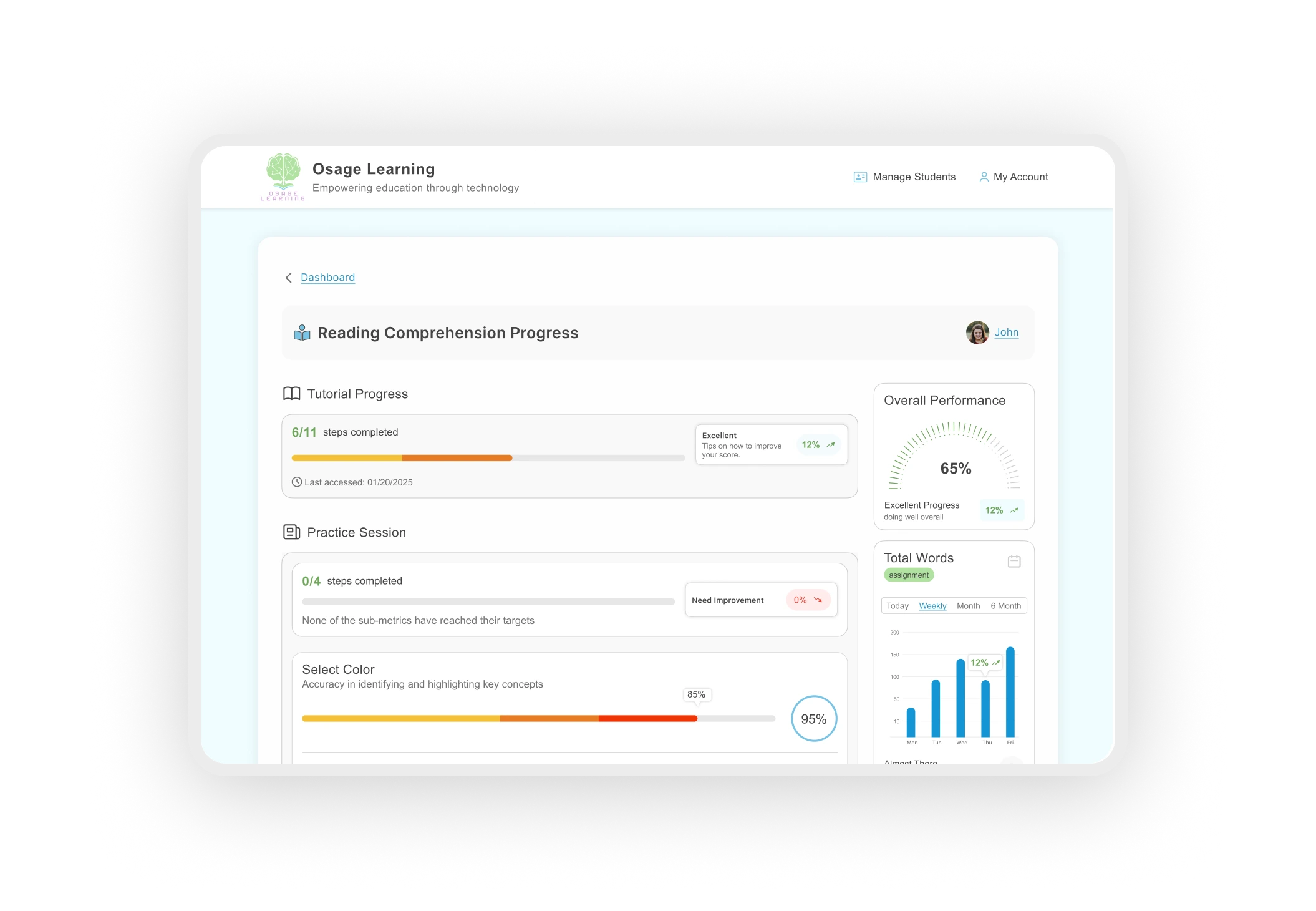
Common IEP Accommodations Supported
Structured work intervals
Reduced visual distractions
Color overlays
Large print/font modifications
Visual tracking supports
Highlight or mark text
Works with Existing Assignments:
Teachers can provide assignments as PDFs or Word documents, which students can easily upload to access these accommodations
Learn More About How These Tools Work
Our team is here to help you understand how Osage Learning’s features work for students with learning differences. Whether you’re a parent, educator, or homeschool coordinator, we’re available to answer questions about accommodations, implementation, and how our tools align with IEP requirements.
- Email and chat support during business hours
- Growing library of feature guides and tutorials throughout the site
- Responsive team ready to discuss your specific needs
- 14-day free trial
- Cancel anytime
- No long-term commitment
Educator Questions Answered
Can students use this anywhere?
Yes! Students access Osage Learning
from any device with internet, at home, in homeschool settings, traditional
classrooms, libraries, or anywhere they need to read and learn.
How do these features align with IEP accommodations?
What devices does it work on?
Any device with a web browser and internet
connection, laptops, Chromebooks, tablets, or desktop computers. No
special apps or downloads required.